Official themes
Make it look like yours
Four themes that share nothing but Kilim. Each brings its own layouts, collections, settings and blocks, edits them in the same local admin, and ships zero JavaScript.
Themes
Every theme works in English and Turkish, passes kilim check and scores 100 on Lighthouse with its demo content.
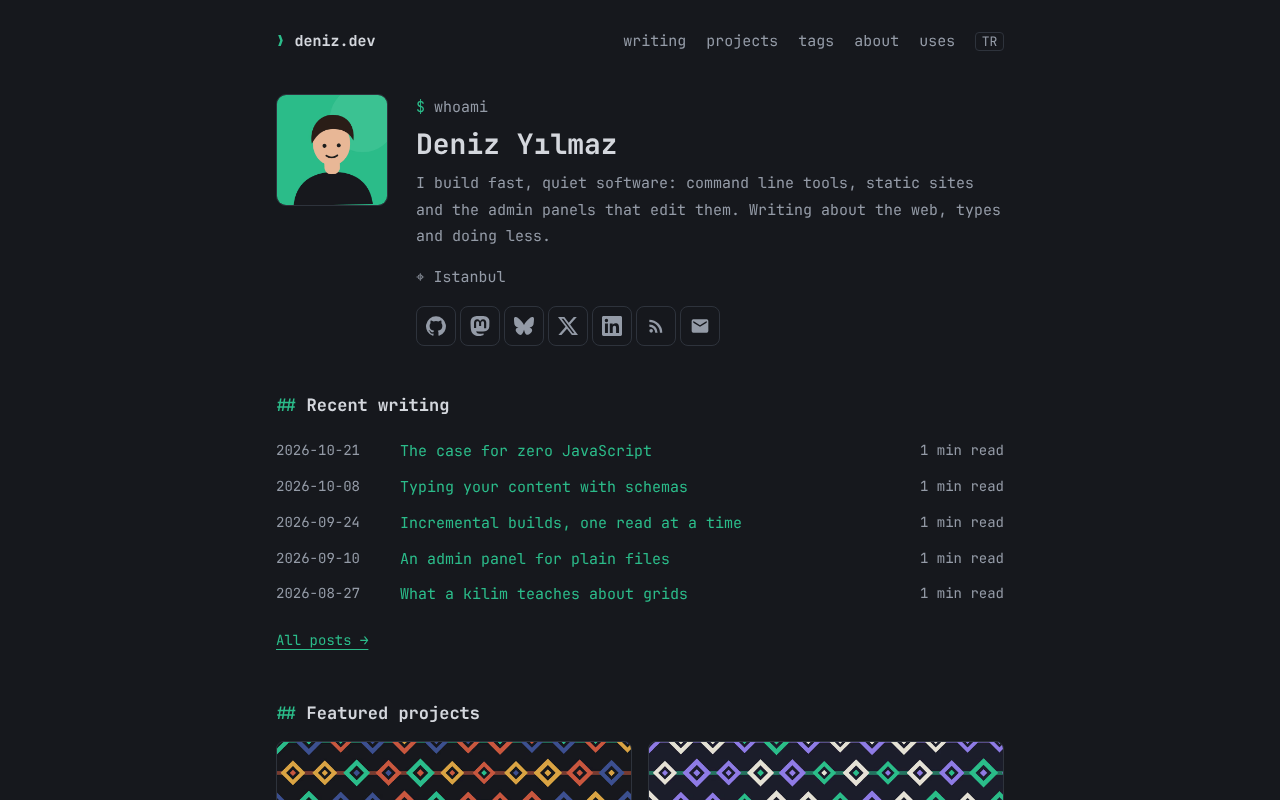
Developer blog and portfolio
Terminal
A dark, monospaced developer blog and portfolio with a profile, social links, posts with tags and reading times, and projects that posts point to.
@kilim-dev/theme-terminal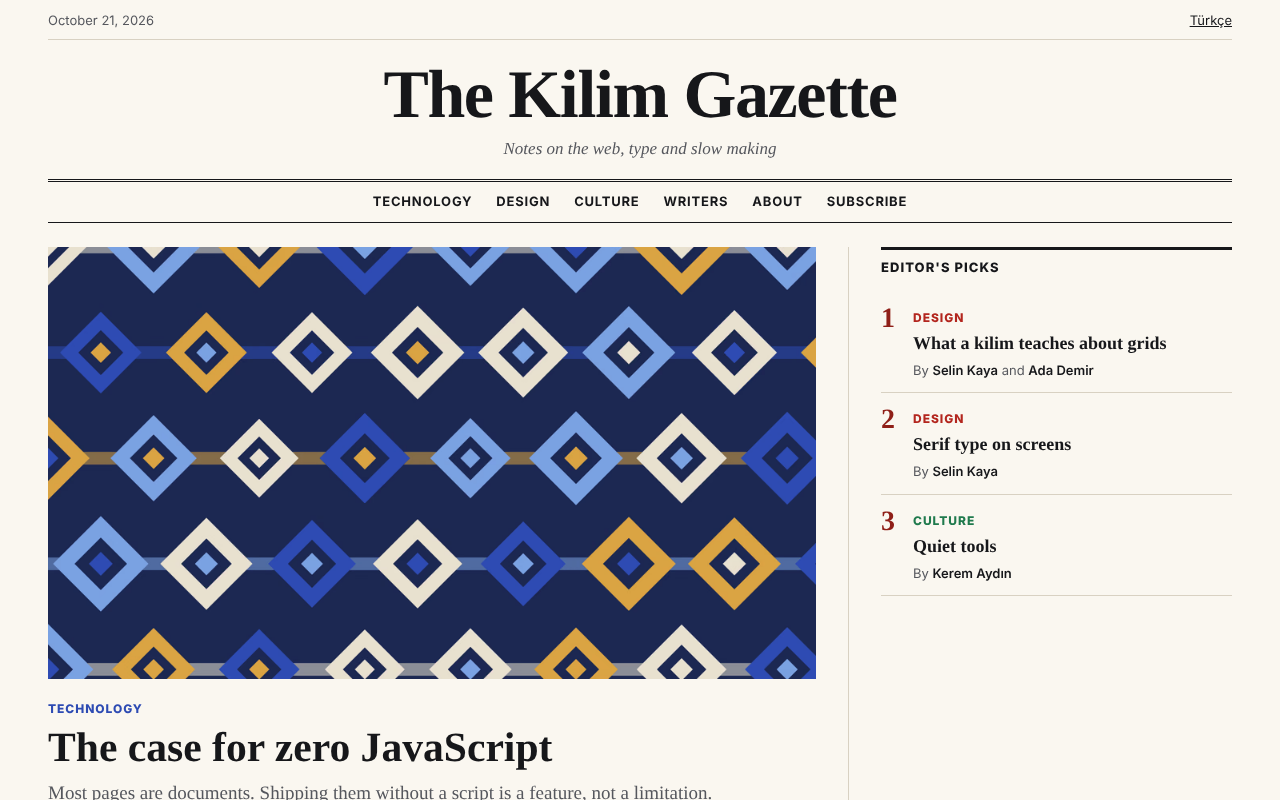
Magazine
Gazette
An editorial magazine with a front page of blocks, colored sections, writers with bylines, series and three article layouts.
@kilim-dev/theme-gazette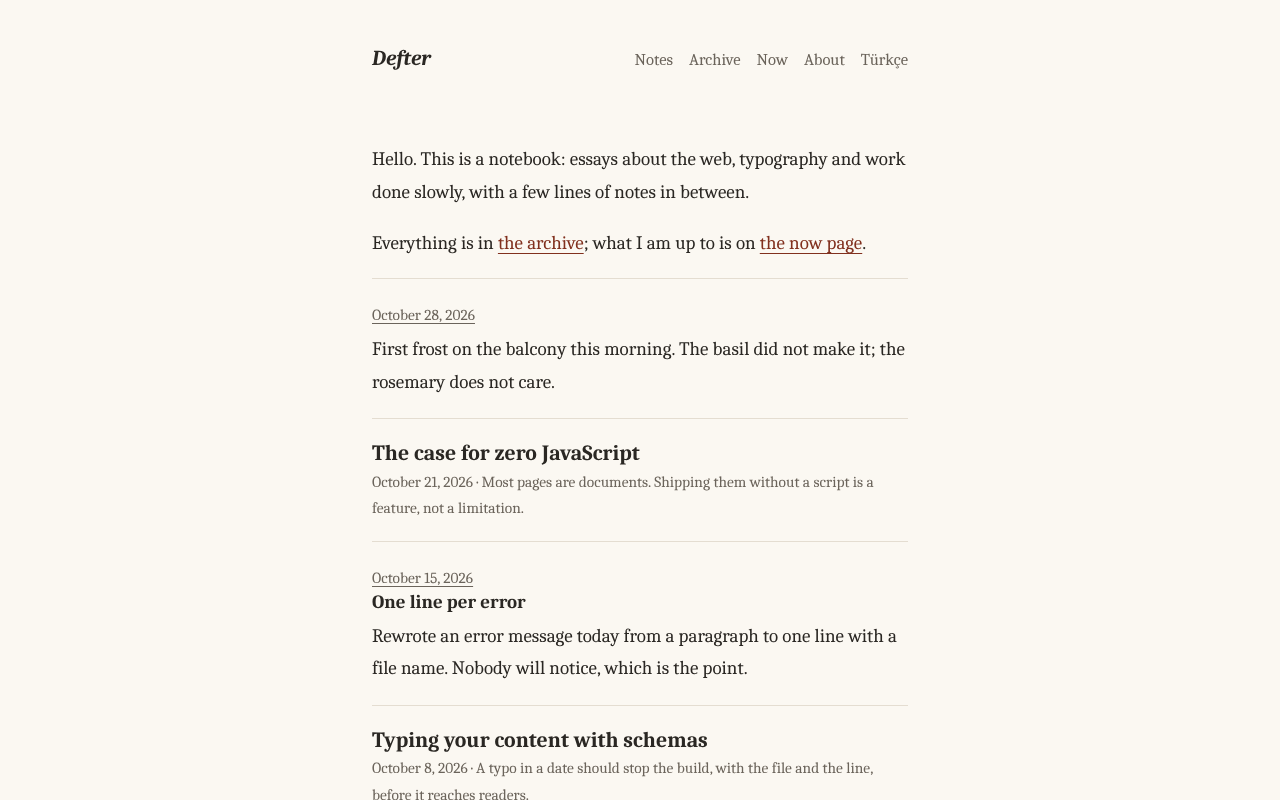
Minimal writing
Notebook
A quiet notebook in serif type without images, with posts, short untitled notes, an archive by year, a now page and a newsletter form.
@kilim-dev/theme-notebook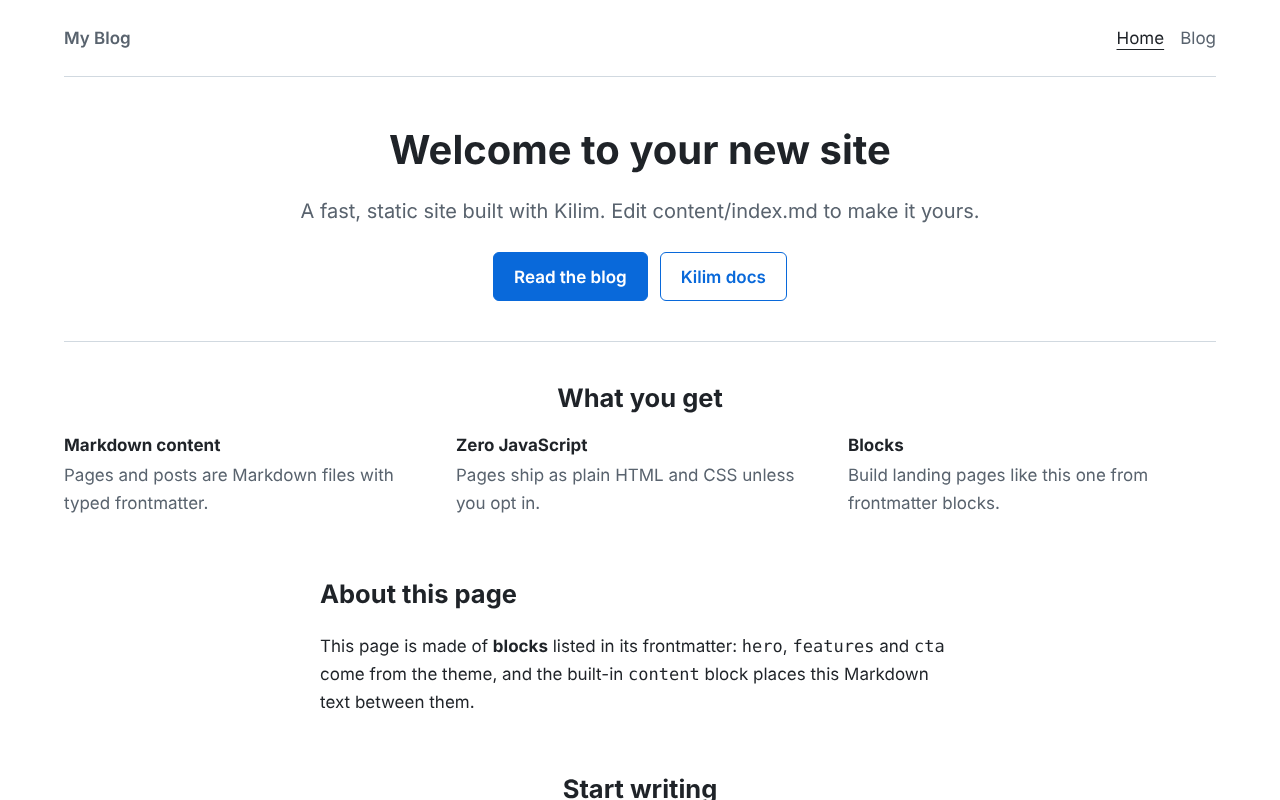
Blog, landing page and docs
Default
The theme the starters use, for blogs, landing pages and documentation, with nine landing blocks and a docs layout with search and a table of contents.
@kilim-dev/theme-default
Install
Switch in three steps
Install it
$ npm install @kilim-dev/theme-gazettePass it to the config
import theme from "@kilim-dev/theme-gazette";
export default defineConfig({ theme });
Open the admin
kilim dev shows the theme's settings, blocks and collections as forms, with no extra setup.
$ npx kilim dev
Make your own
A theme is a TypeScript module with layouts, a settings schema and blocks. Start from one of these or from scratch.