Developer blog and portfolio
Terminal
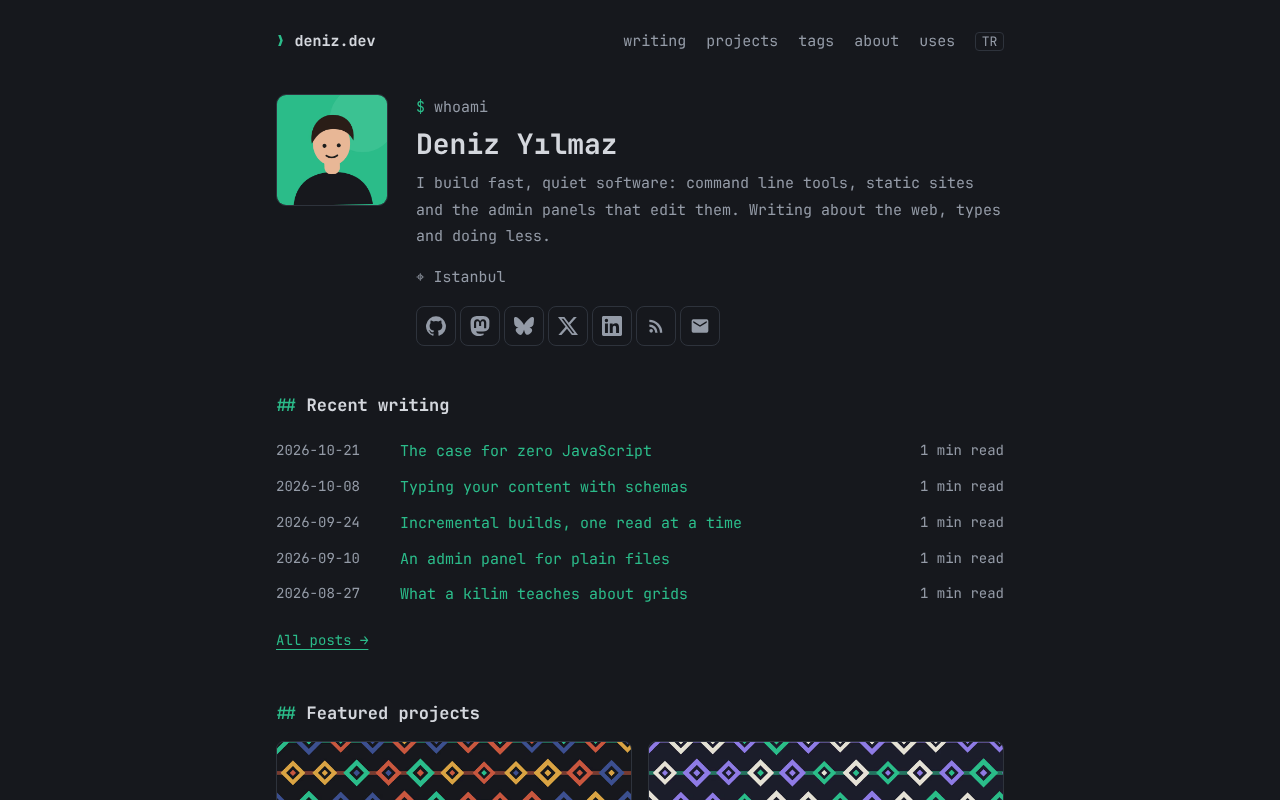
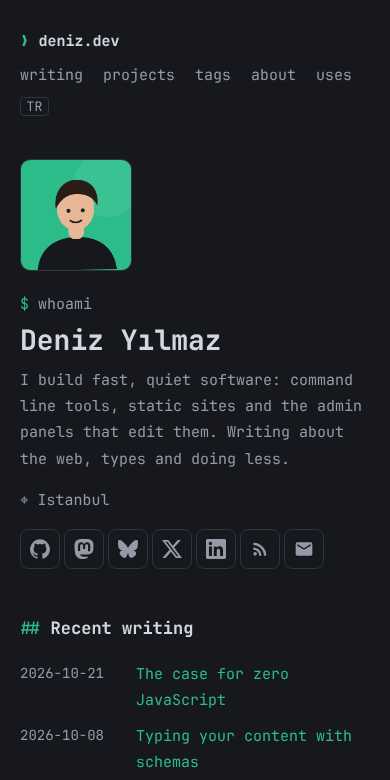
A dark, monospaced developer blog and portfolio with a profile, social links, posts with tags and reading times, and projects that posts point to.
Live demoSource
Install
npm install @kilim-dev/theme-terminal
import { defineConfig } from "@kilim-dev/core";
import theme from "@kilim-dev/theme-terminal";

export default defineConfig({ theme });
What you get
- A profile with photo, bio and location, and social links in any order you drag them to
- Posts by year with dates, reading times and tags; a page for every tag
- Project cards with covers, tech, source and live links; featured projects come first
- A post can name its project, which links back to every post about it
- Dark by default, or light, or the reader's system setting, with your accent color
- English and Turkish interface text, chosen by the page's language
Collections
| Collection | What it is |
|---|
posts | Posts at /posts/<name>/ with tags, an optional project and a reading time it estimates. |
projects | Projects with a cover, tech, repository and demo links, and a featured flag. |
tags | One page per tag, with a title and a description. |
pages | Pages such as about and uses, and the home page made of blocks. |
Blocks
| Block | What it is |
|---|
whoami | The profile from the settings with the social links. |
recent | The newest posts, optionally of one tag. |
projects | Cards of the featured projects, or all of them. |
terminal | A terminal session; lines starting with $ are commands. |
Settings
| Setting | What it is |
|---|
profile | Name, bio, photo and location. |
social | GitHub, X, Mastodon, LinkedIn, Bluesky, RSS and email links, in order. |
menu | Header links. |
scheme | dark, light or system. |
accent | A |
← All themes